Styling Your Template
I’ve included a Style Guide with your template to help make it easier for you to customize your website. By using your Style Guide you can easily make edits to your fonts, forms, and color palettes and watch it update in real time, saving you time having to tweak everything individually.
Your Style Guide is Divided Into Two Pages:
Fonts, Colors & Buttons
Forms & Newsletters
Accessing Your Style Guide:
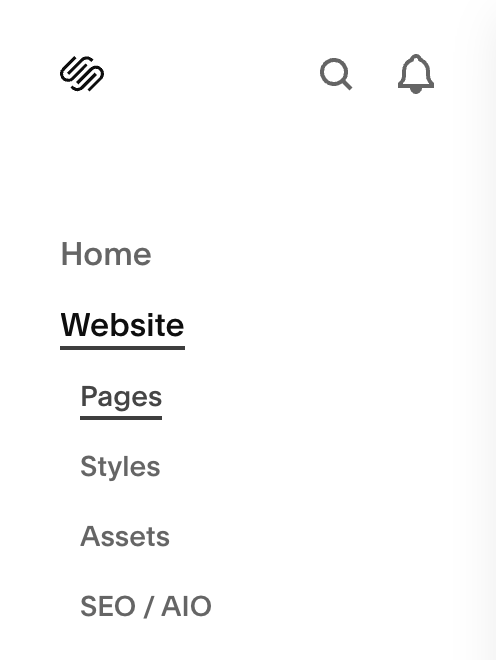
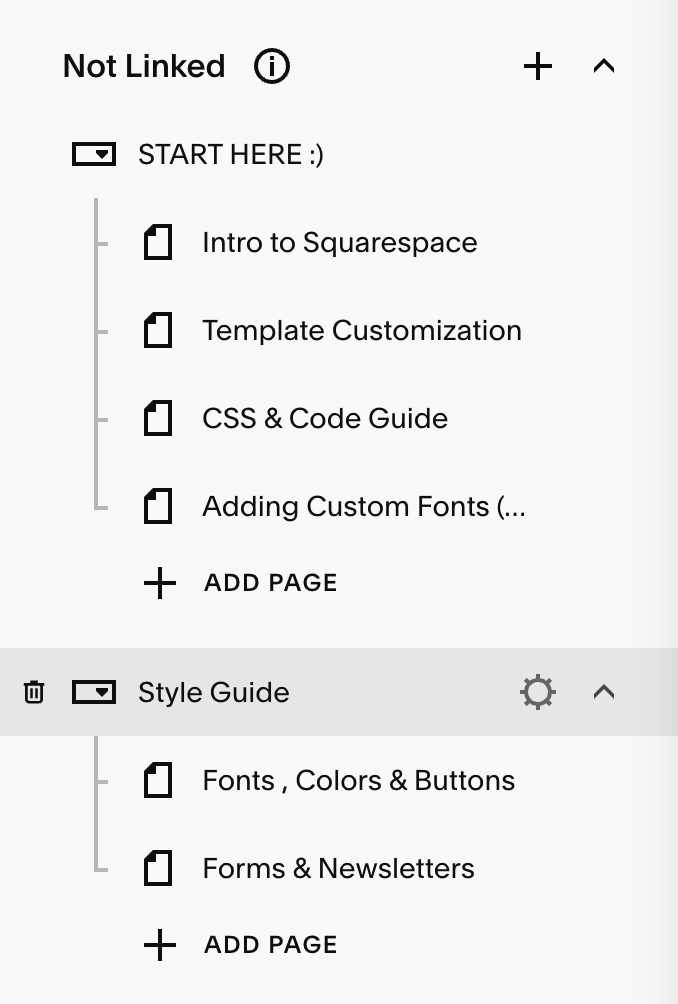
You can get to your Style Guide by going to:
Pages → Not Linked → Style Guide
Fonts, Colors & Buttons:
This is where you’ll have oversight of all your headings, paragraphs, buttons and link styles. You’ll also see a section titled “Fonts in Use,” so that you can see what your fonts and buttons look like combined.
You can use this page to adjust your typefaces, font sizes and spacing in one place.
Fonts: 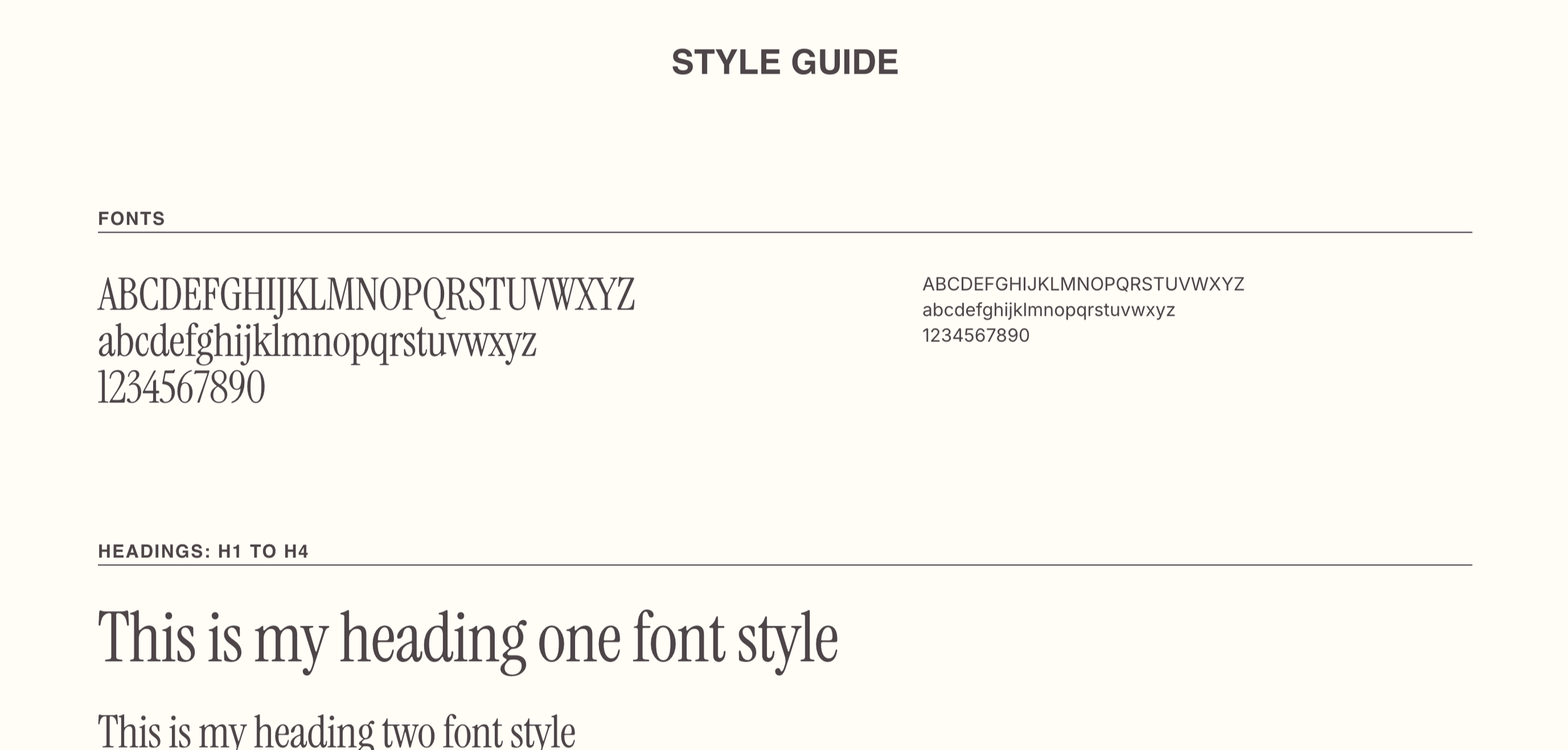
Buttons:
Fonts in Use: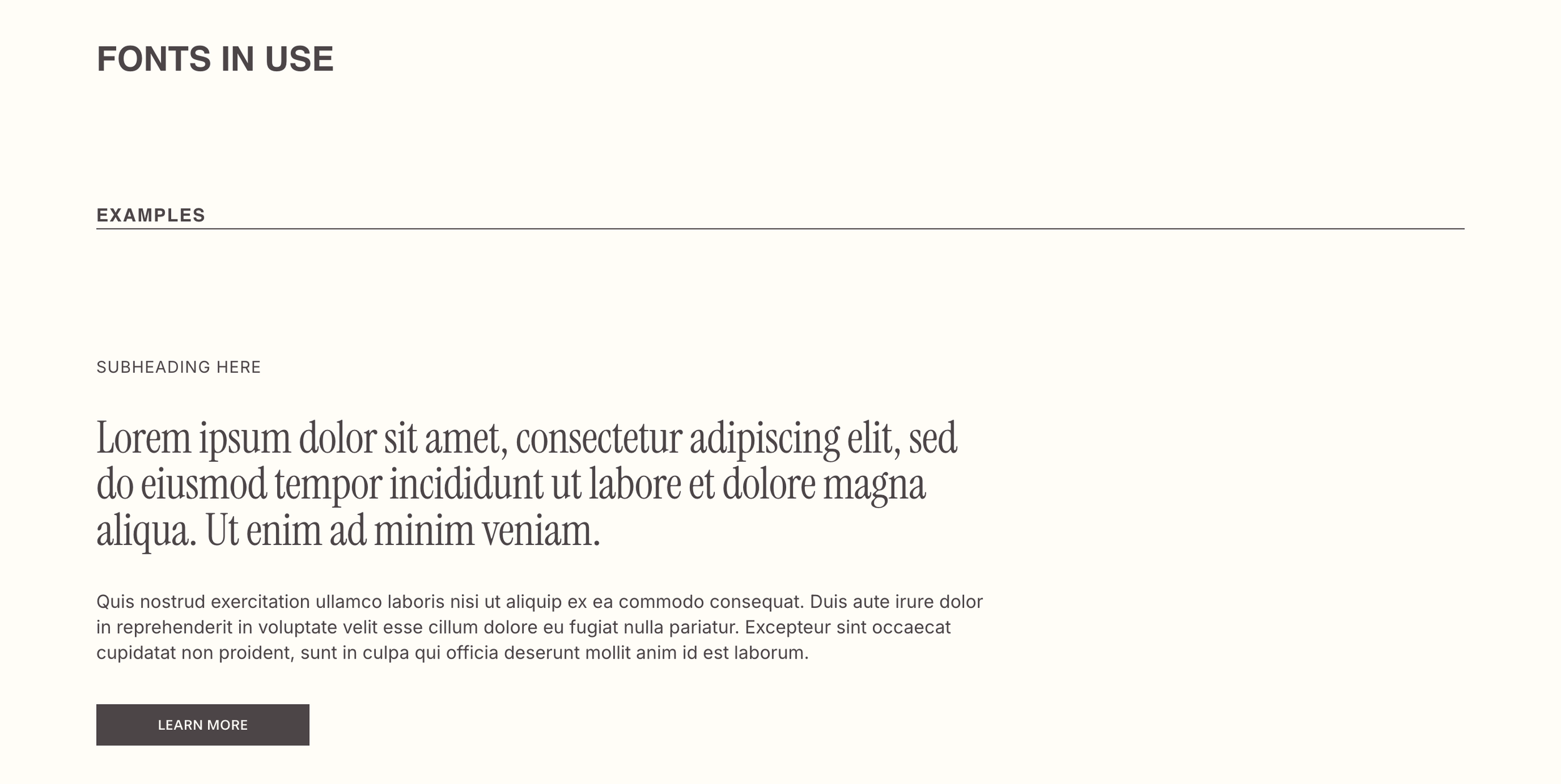
Colors:
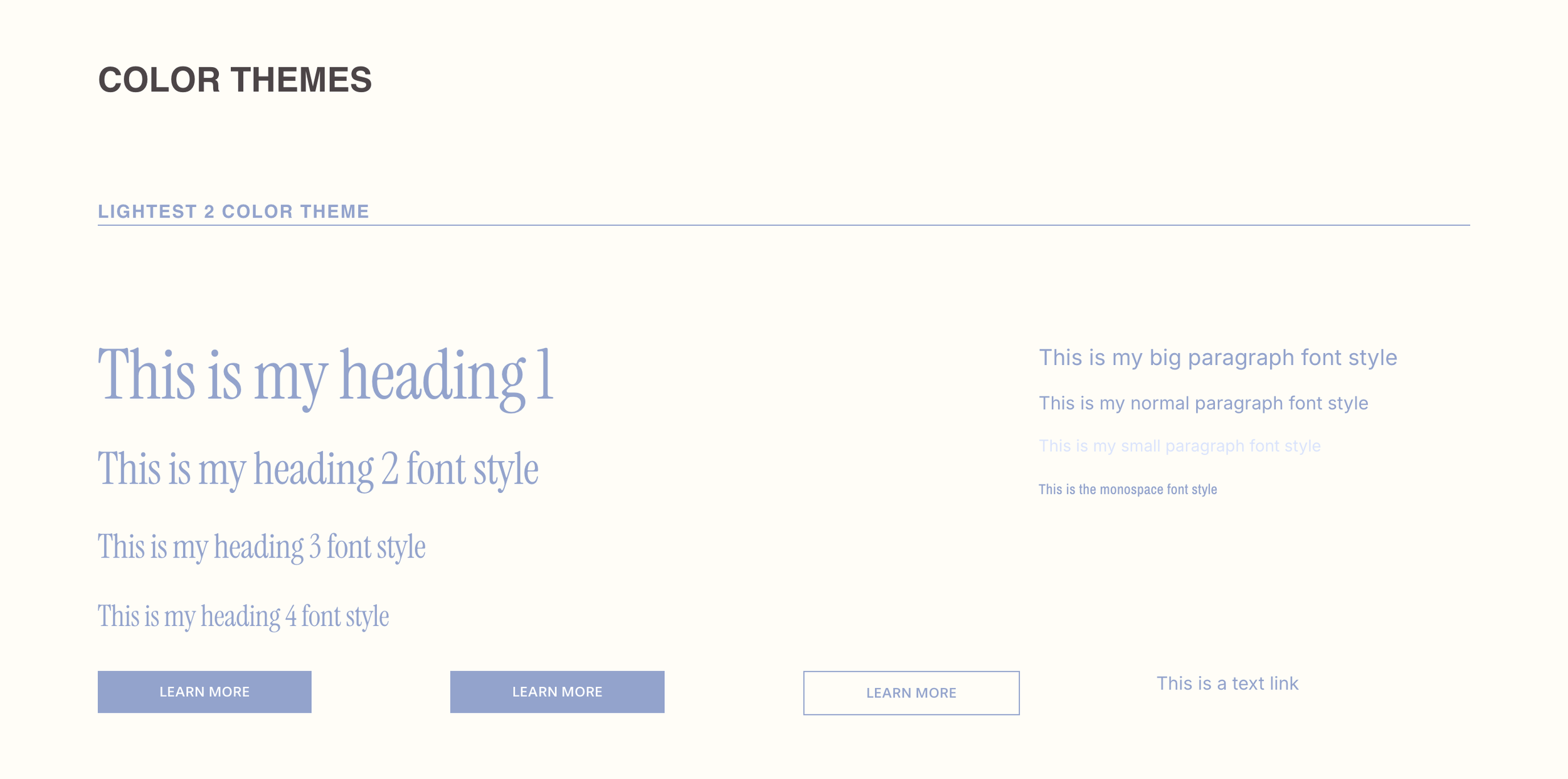
As you scroll down the Font, Colors & Buttons page, you’ll come to the Color Themes.
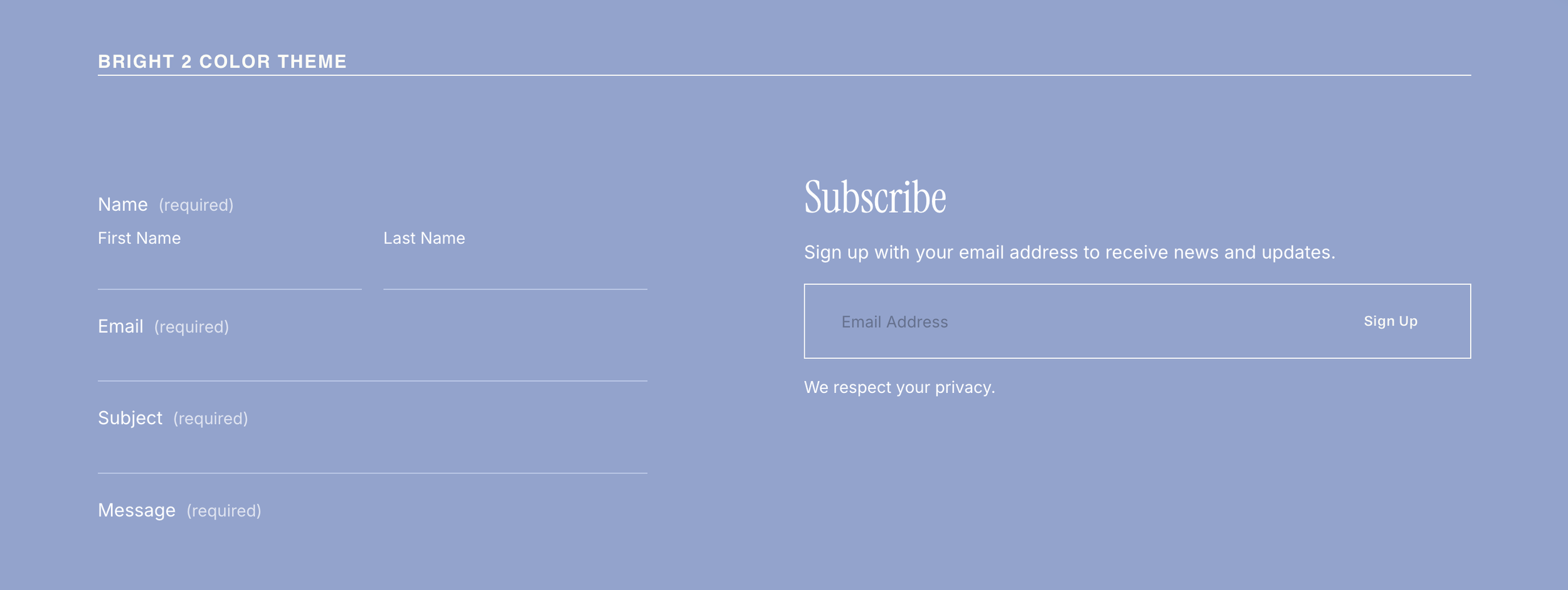
This is where you can see all your color themes with fonts, buttons and links so you can see how the colors work and adjust them in real time:
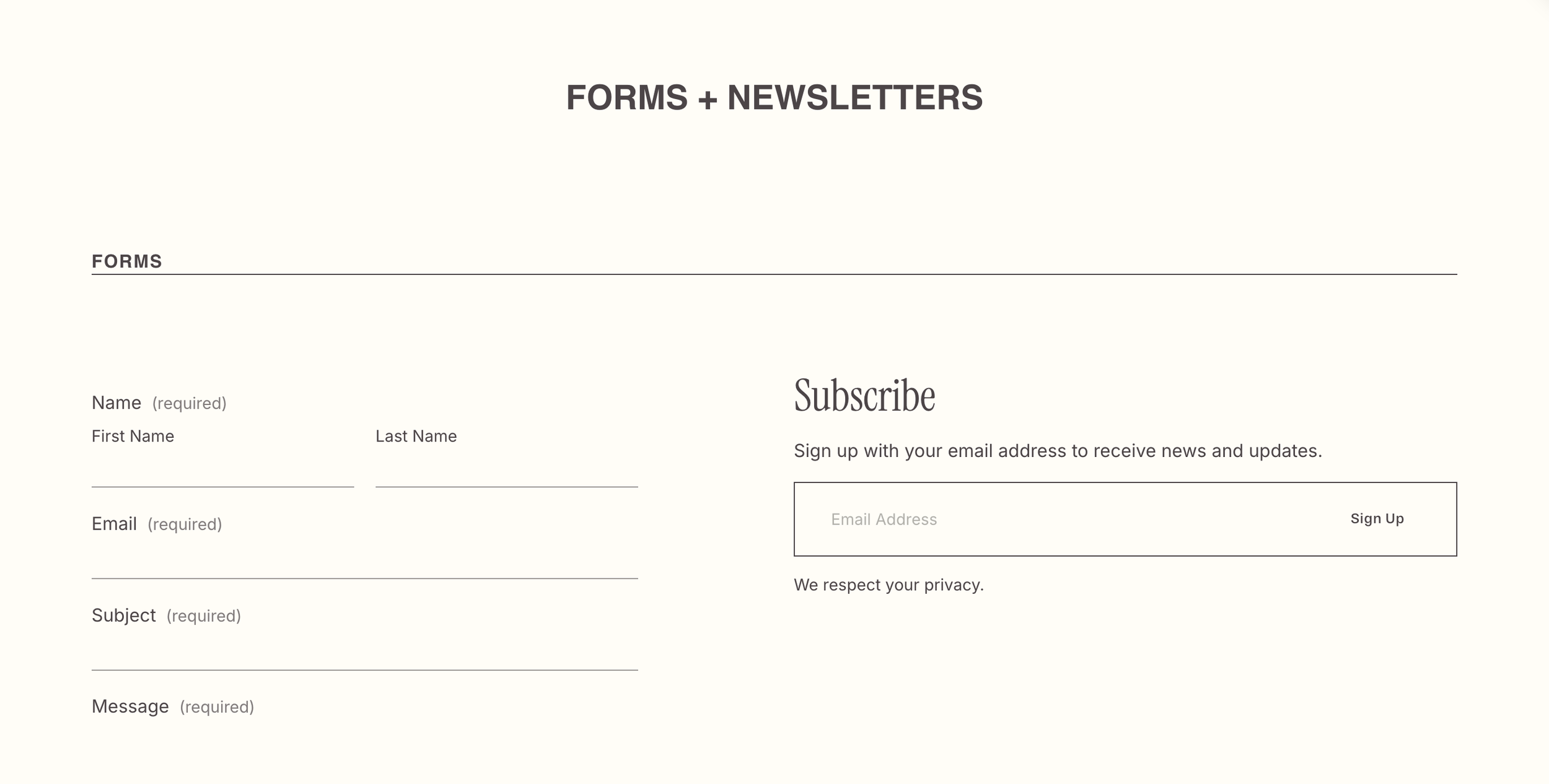
Forms & Newsletters
You can style your global Forms and Newsletters and see how they look on every color theme when using this page of your style guide. You’ll see a section for each Color Theme with a Form and Newsletter on it so you’re able to easily change your colors for any section of your website.